
Don't be a Fish
September 10, 2025Recognize and avoid "phishing" attacks on yourself and employees.

August 4, 2026With so many password managers, what are the best ones?
There are only two password apps that are worth your time.
You should look at BitWarden and 1Password and choose one of them. That's it.
The BitWarden password manager has options for individuals and businesses. Their reputation is excellent (no breaches in their history). Their usability is very good. They offer free and $2/month options.
The 1Password password manager has options for individuals and (family) businesses. Their reputation is excellent (no breaches in their history). Their usability is very good. Their password manager scans for breaches and phishing sites. It is slightly more expensive.
There are several password managers with poor security history (multiple breaches of their company data although no customer passwords were directly compromised.)
Some have poor user interfaces (are difficult to use with too many clicks), or don't offer web-based security that supports both your Android phone/iPhone and laptop/desktop access to the same database. Examples include LastPass, KeePass which is good only for indivuals, Excel (seriously, do not share a spreadsheet with passwords), Notepad.
And, finally, never use your browser to store passwords. The risk of loss is too great. There have been dozens of cases where malware has scanned and stolen passwords stored in Chrome, Edge, Safari and other browsers. (An official browser extension loaded from Bitwarden or 1Password is good to have, however.)
The Bottom Line: You can spend hours trying to choose a password manager, or you can spend $19/month for a visual guide to walk you through essential cyber security instructions step-by-step.
Subscribe to Cyber StepTracker.com for comprehensive instructions, training, and guidelines on reducing your business risk by improving your cyber security!.
That is all.
Latest Articles
September 10, 2025Recognize and avoid "phishing" attacks on yourself and employees.
September 10, 2025Use your fingerprints to unlock your phone, not a code or face.
October 14, 2025Knowing how passwords are stored helps motivate you to make and keep good passwords.
September 24, 2025 updated January 14, 2026Six different ways to list the software apps installed on your computer.
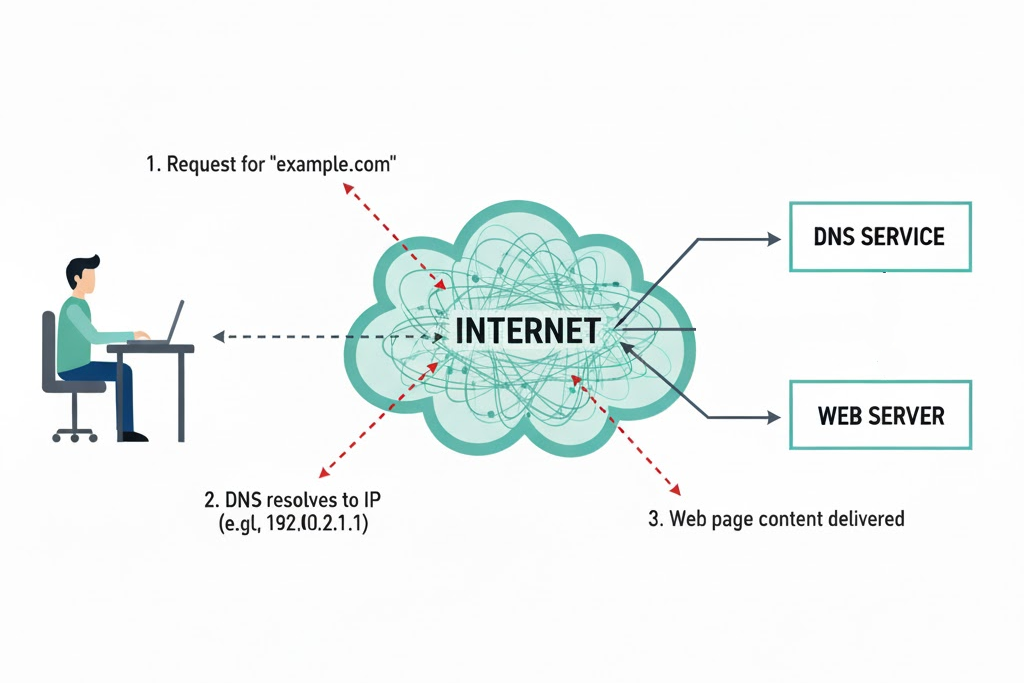
October 27, 2025 updated July 19, 2026Choose Safe DNS for Your Computer
November 19, 2025Well, could they? What are the protections on your ChatGPT sessions?
January 14, 2026 updated July 19, 2026Why should my telephone bill be secret? Because your customer and supplier contacts are valuable.
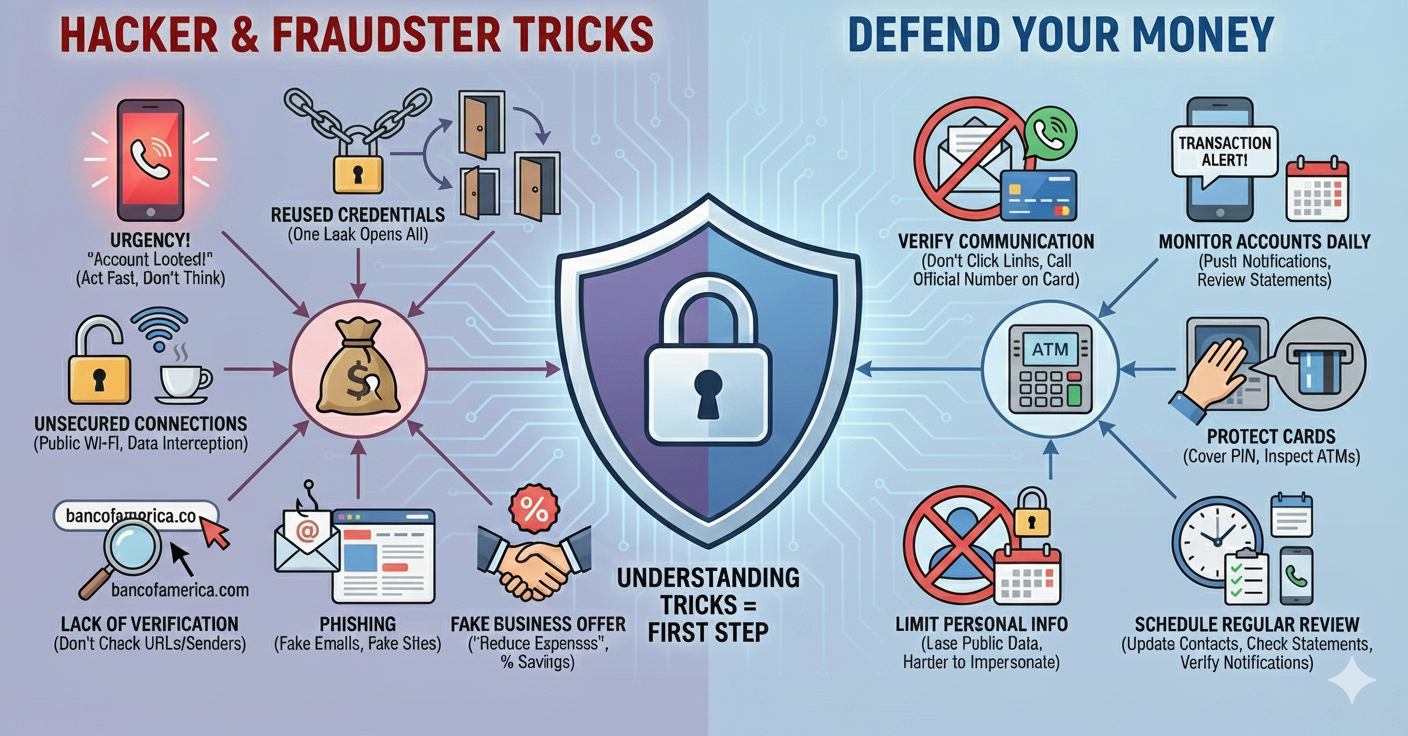
January 8, 2026How do I Defend My Money as a Small Business.
January 15, 2026 updated July 21, 2026We explain the difference between a Recovery Drive and a Windows Installation Drive, and how to use them to recover a broken PC.
February 2, 2026What are three different ways to backup my Windows computer?
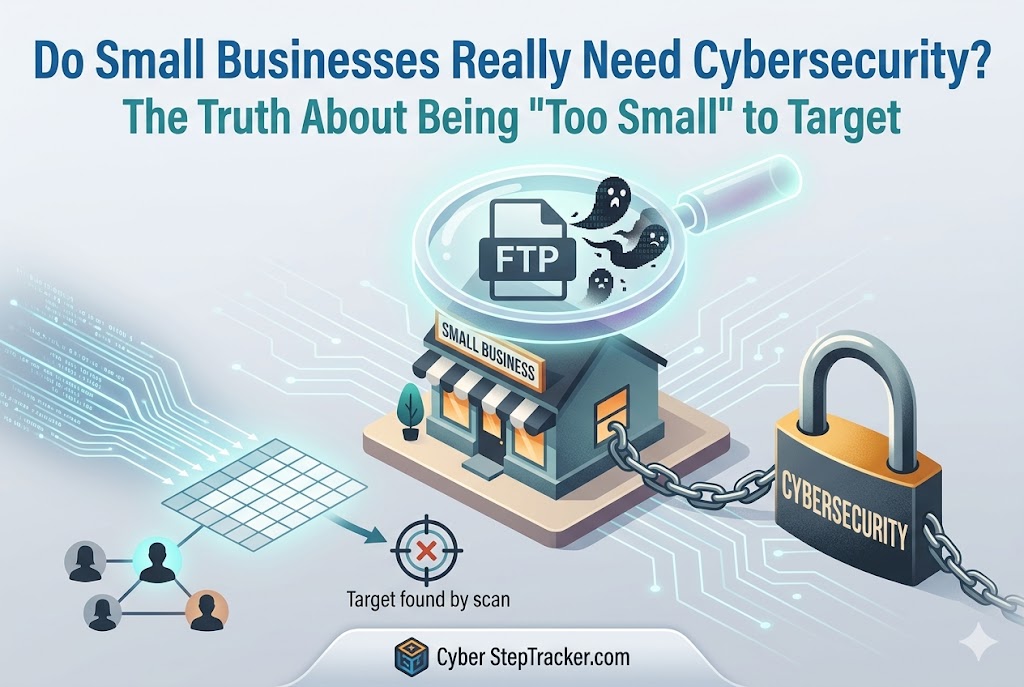
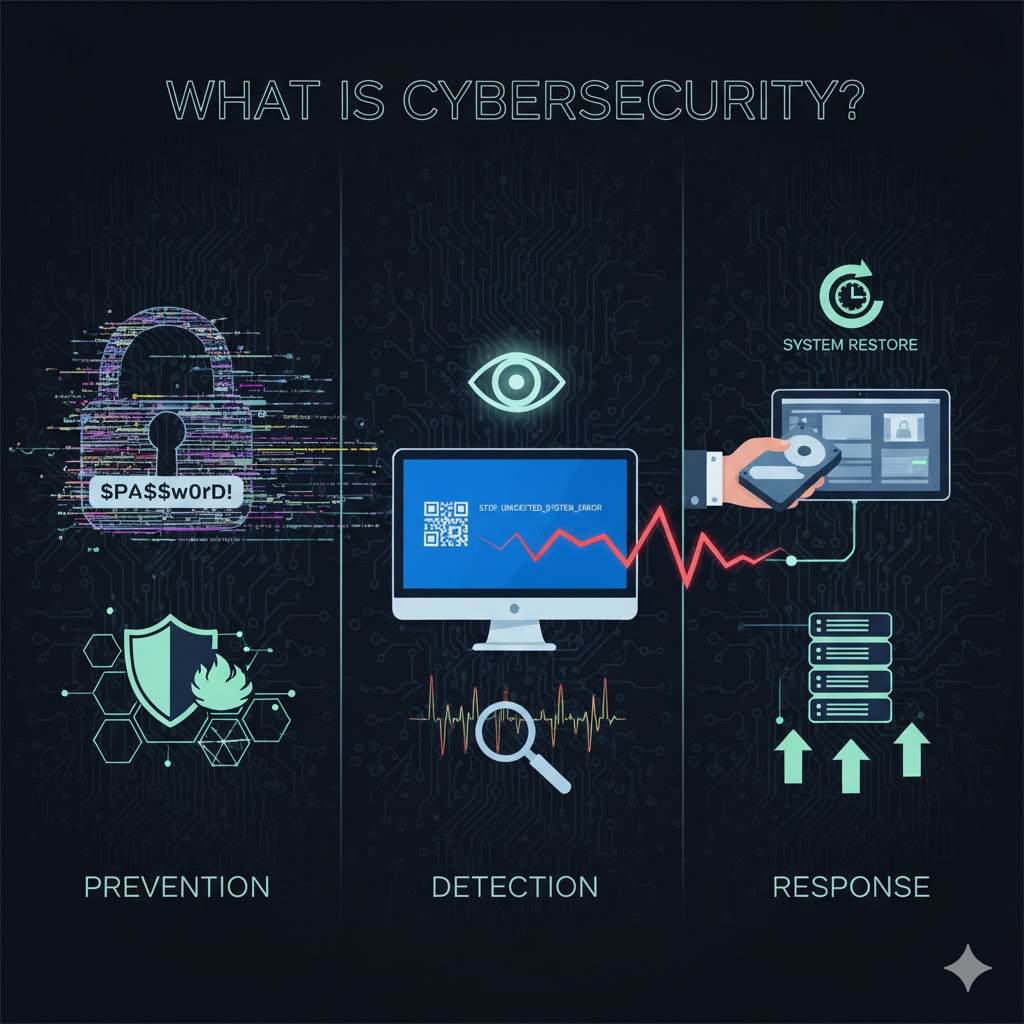
May 15, 2026 updated July 19, 2026We’re just a small shop. Why would a hacker care about us? Because they attack everybody.

May 25, 2026Government and commercially published guides are free. Why use us?
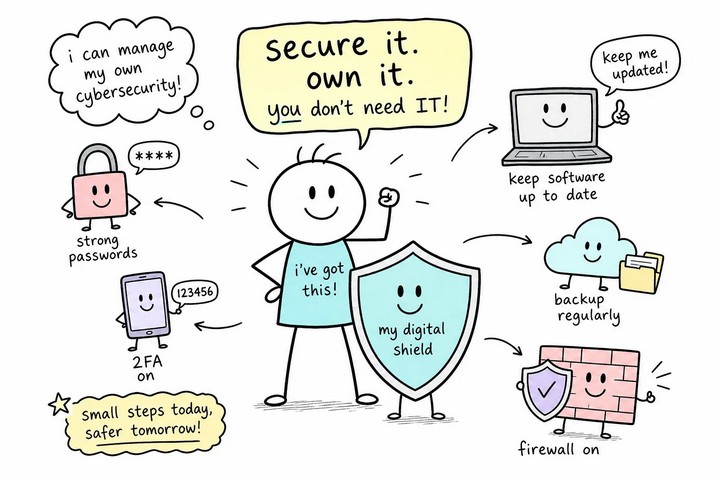
June 20, 2026You can manage cyber security yourself without a computer science degree or a consultant on retainer.
June 30, 2026 updated July 19, 2026When A Cyber Attack Strikes, What Are My Chances Of Recovery?
August 4, 2026With so many password managers, what are the best ones?

August 27, 2026If you need a low-cost solution for cyber security, here is your answer.