
Don't be a Fish
September 10, 2025Recognize and avoid "phishing" attacks on yourself and employees.
February 2, 2026What are three different ways to backup my Windows computer?
You need Three backups for a Windows machine:
The scariest message you can see is:
Windows has found a problem and cannot be repaired.
Here is how to prepare for this:
The result is a bootable USB that can access your hard drive (unlike Windows Installation Drive) and can either repair, or reinstall Windows, sometimes also saving your personal files, depending on your situation.
This fixes file corruption and helps with drive failure.
Bonus: do this again with a second drive. Put a label giving the dates/months you should be backing up your stuff on each drive. Keep this second drive in a separate place.
The USB drive helps with drive failure, file corruption, malware and ransomware.
Online backups help with malware, hard drive failure or Windows failures and ransomware.
Subscribe to Cyber StepTracker.com for comprehensive instructions, training, and guidelines on reducing your business risk by improving your cyber security!.
That is all.
Latest Articles
September 10, 2025Recognize and avoid "phishing" attacks on yourself and employees.

September 10, 2025Use your fingerprints to unlock your phone, not a code or face.
October 14, 2025Knowing how passwords are stored helps motivate you to make and keep good passwords.
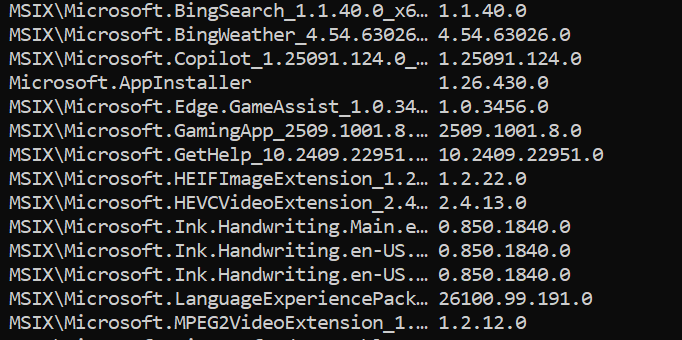
September 24, 2025 updated January 14, 2026Six different ways to list the software apps installed on your computer.
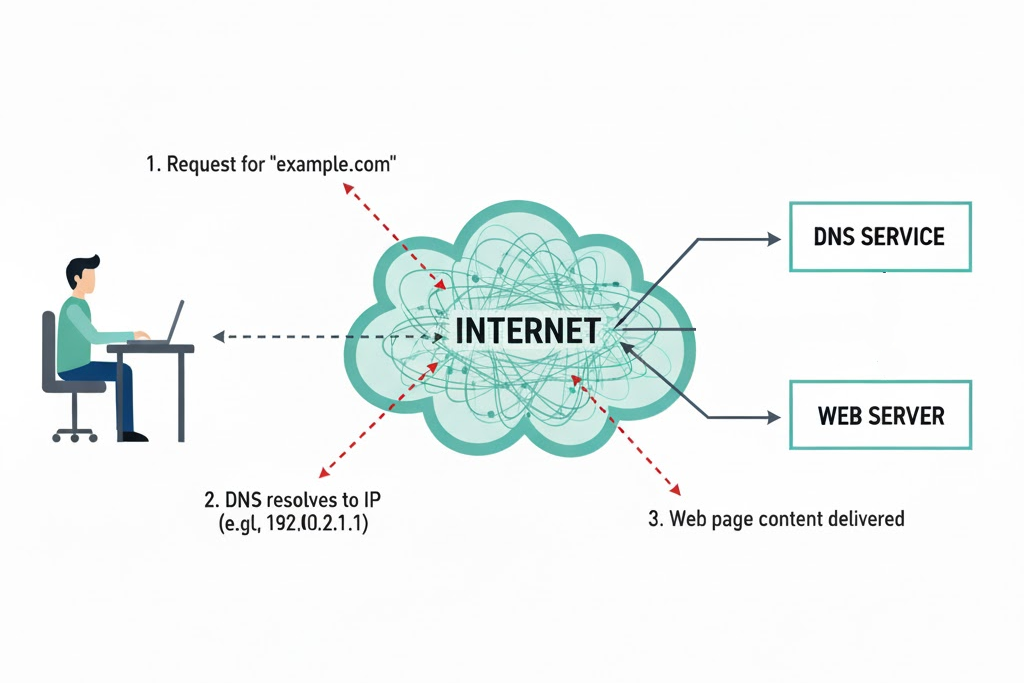
October 27, 2025 updated July 19, 2026Choose Safe DNS for Your Computer
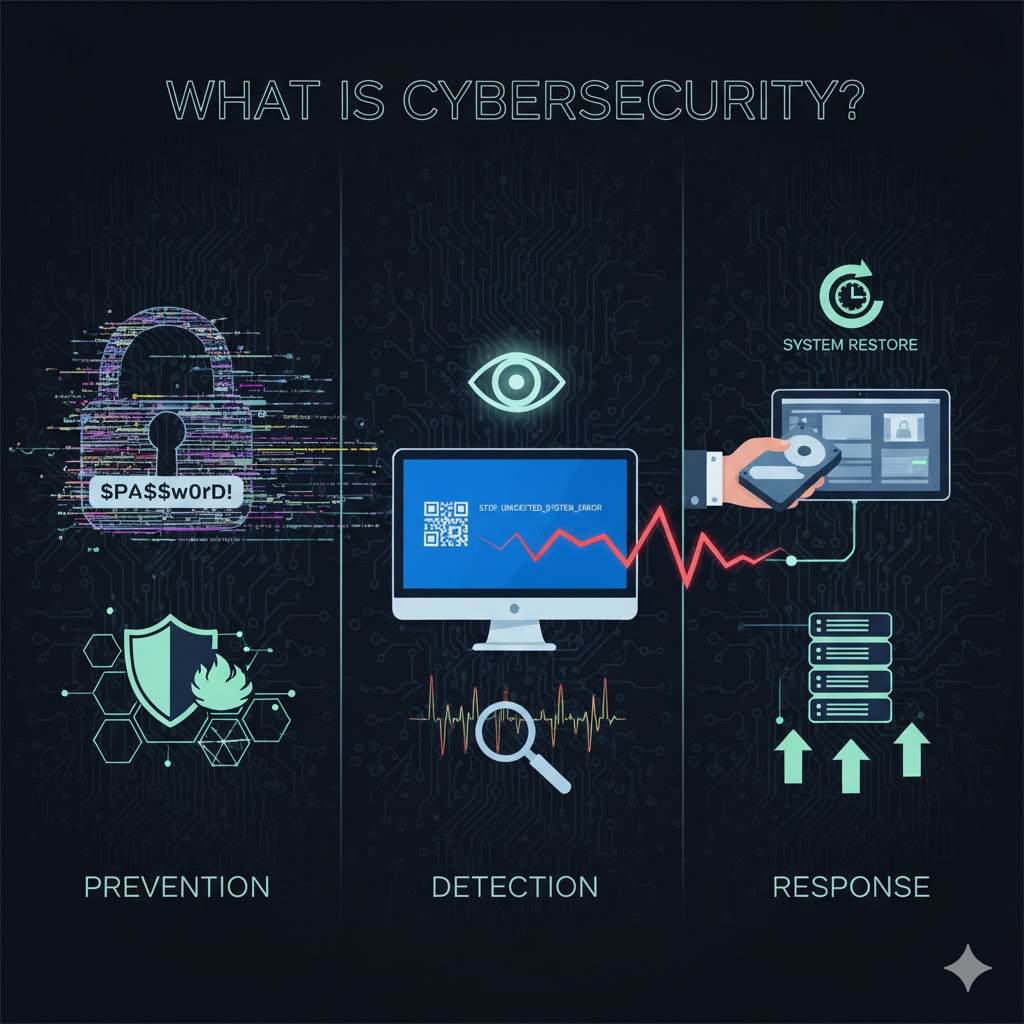

November 19, 2025Well, could they? What are the protections on your ChatGPT sessions?
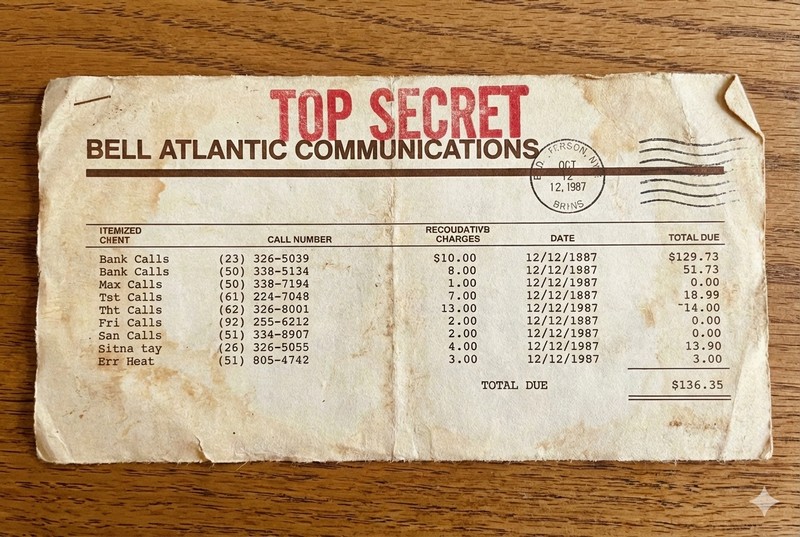
January 14, 2026 updated July 19, 2026Why should my telephone bill be secret? Because your customer and supplier contacts are valuable.
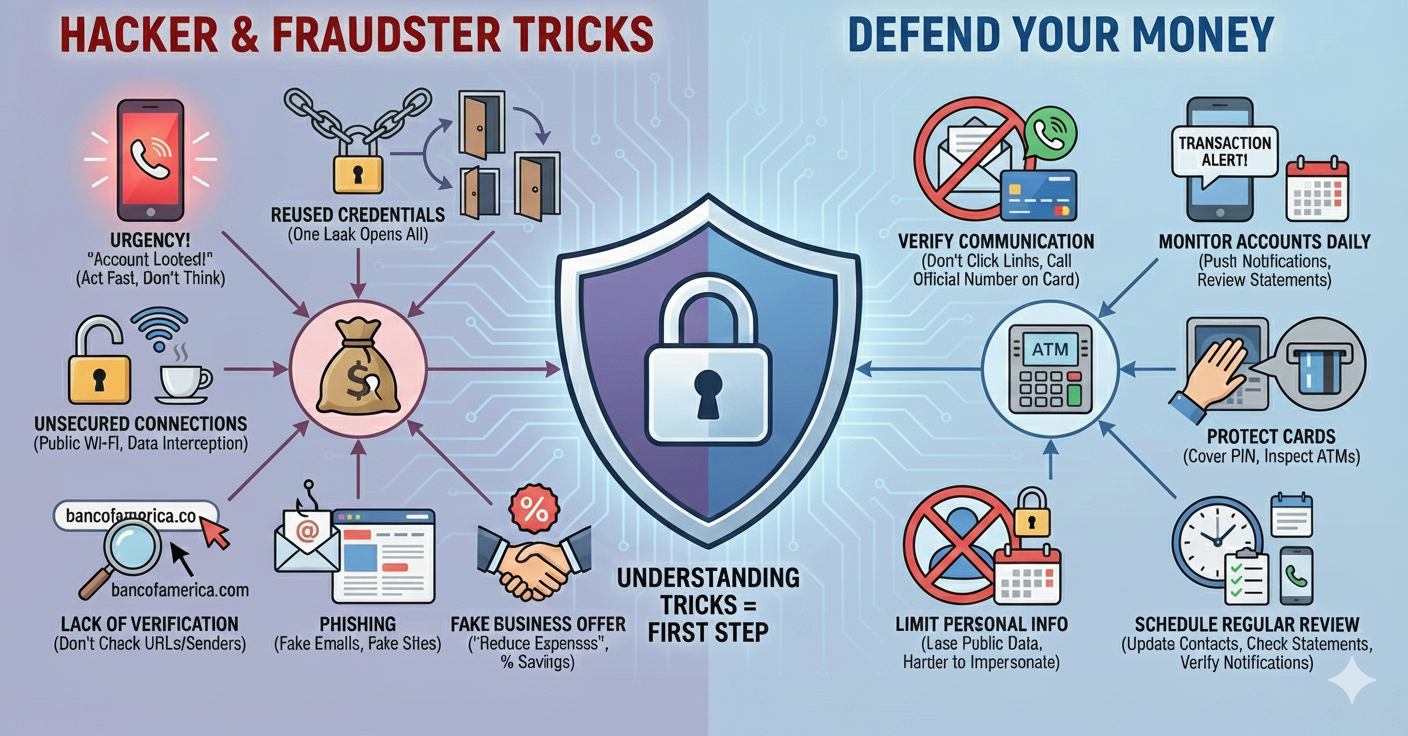
January 8, 2026How do I Defend My Money as a Small Business.
January 15, 2026 updated July 21, 2026We explain the difference between a Recovery Drive and a Windows Installation Drive, and how to use them to recover a broken PC.
February 2, 2026What are three different ways to backup my Windows computer?
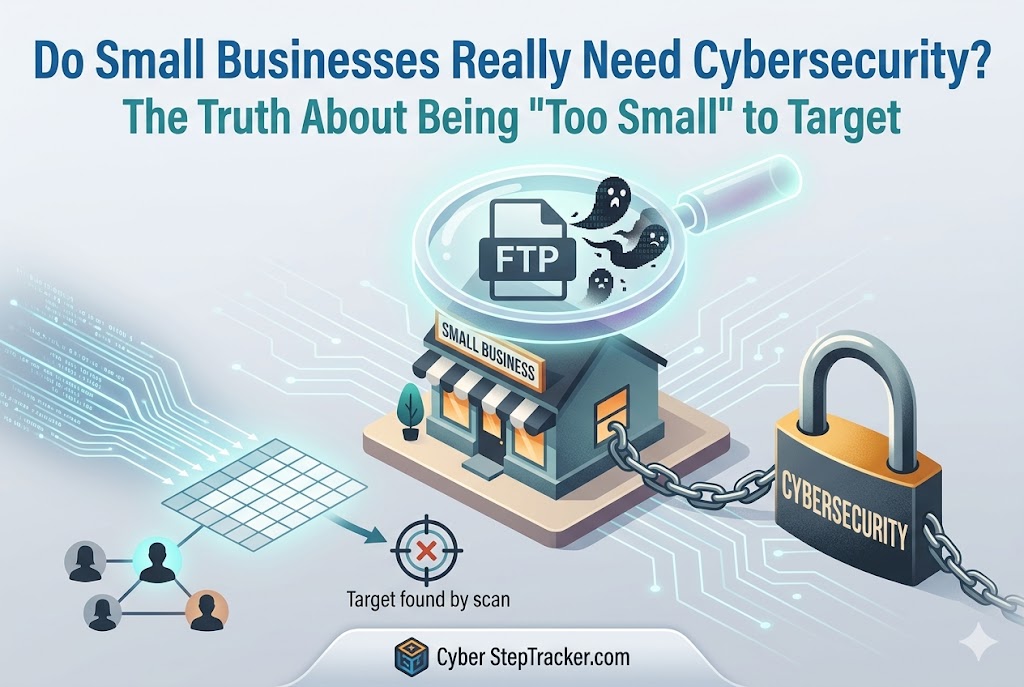
May 15, 2026 updated July 19, 2026We’re just a small shop. Why would a hacker care about us? Because they attack everybody.

May 25, 2026Government and commercially published guides are free. Why use us?
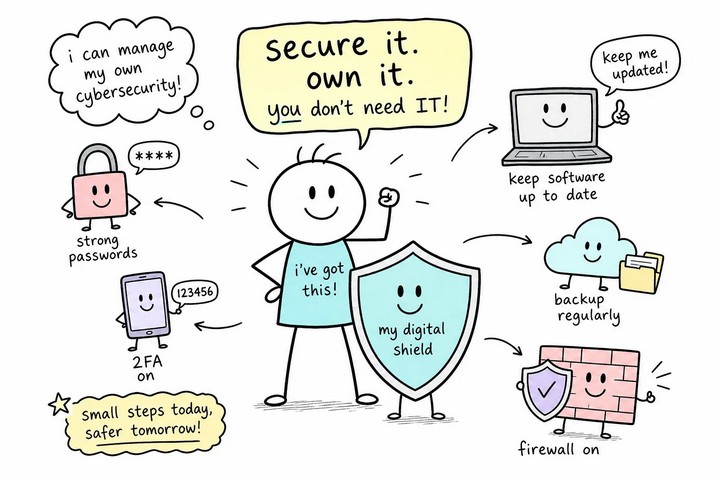
June 20, 2026You can manage cyber security yourself without a computer science degree or a consultant on retainer.
June 30, 2026 updated July 19, 2026When A Cyber Attack Strikes, What Are My Chances Of Recovery?

August 4, 2026With so many password managers, what are the best ones?

August 27, 2026If you need a low-cost solution for cyber security, here is your answer.